
New Feature: Marking an Invoice as Sent

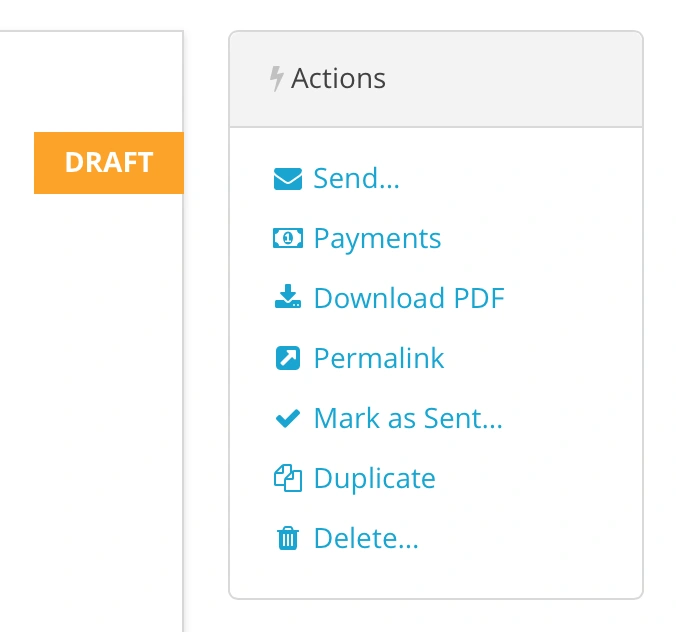
Harpoon automatically gives an invoice a status of “Sent” when you send an invoice to a client. But sometimes you might want to mark an invoice as having been sent even if you didn’t send it via Harpoon’s interface. Maybe you included a PDF of the invoice in a separate proposal to your client. Or maybe you sent your client a printed version of the invoice. Whatever the reason, Harpoon now allows you to manually mark an invoice as “Sent” with the new “Mark as Sent” action. You’ll find it on the Invoice Details screen (you’ll only see this new action for Draft invoices).
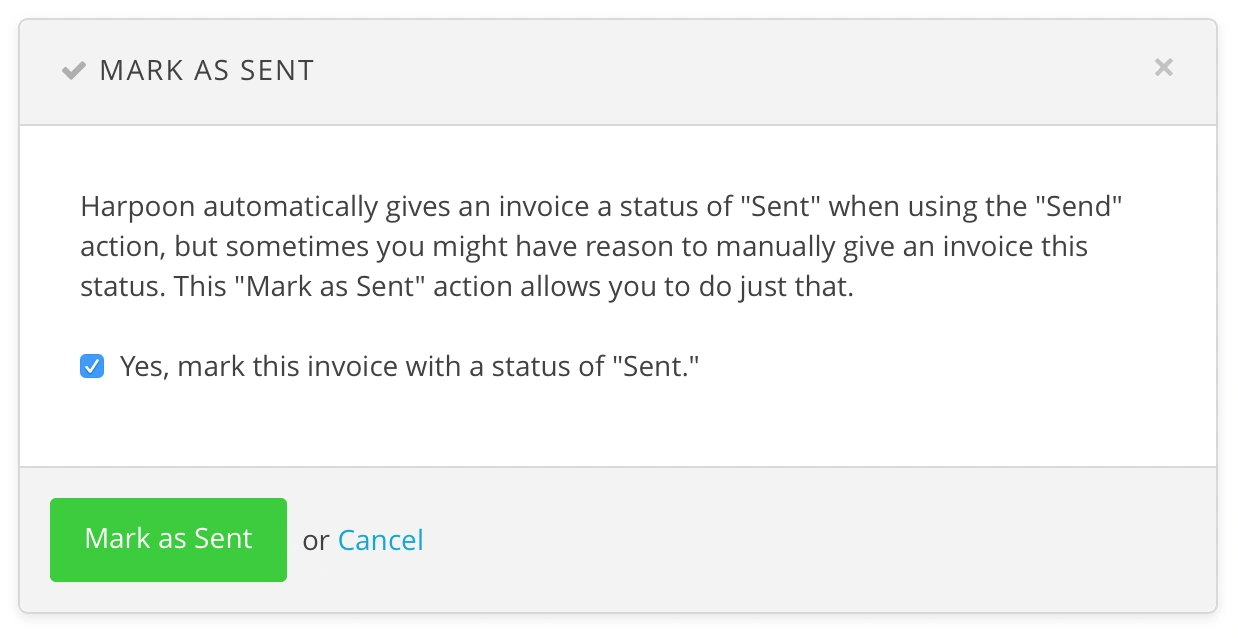
Using this action triggers an overlay giving you the power to change the status of your invoice to “Sent.”
It’s a small detail, but one that hopefully makes your day-to-day use of Harpoon more enjoyable!