
How do I create a recurring invoice from a regular invoice?
Not sure which one you're using? The new interface has a dark sidebar and /app/ in the web address; the classic interface has a bright blue sidebar. You can switch at any time: in the new interface, click your name (top right) and choose Switch back to classic; in the classic interface, hover your avatar (bottom left) and choose Try the new Harpoon.
You can create a new recurring invoice from any regular invoice in your account.
Open the invoice, click the actions menu (the three dots at the top right) and choose New Recurring.
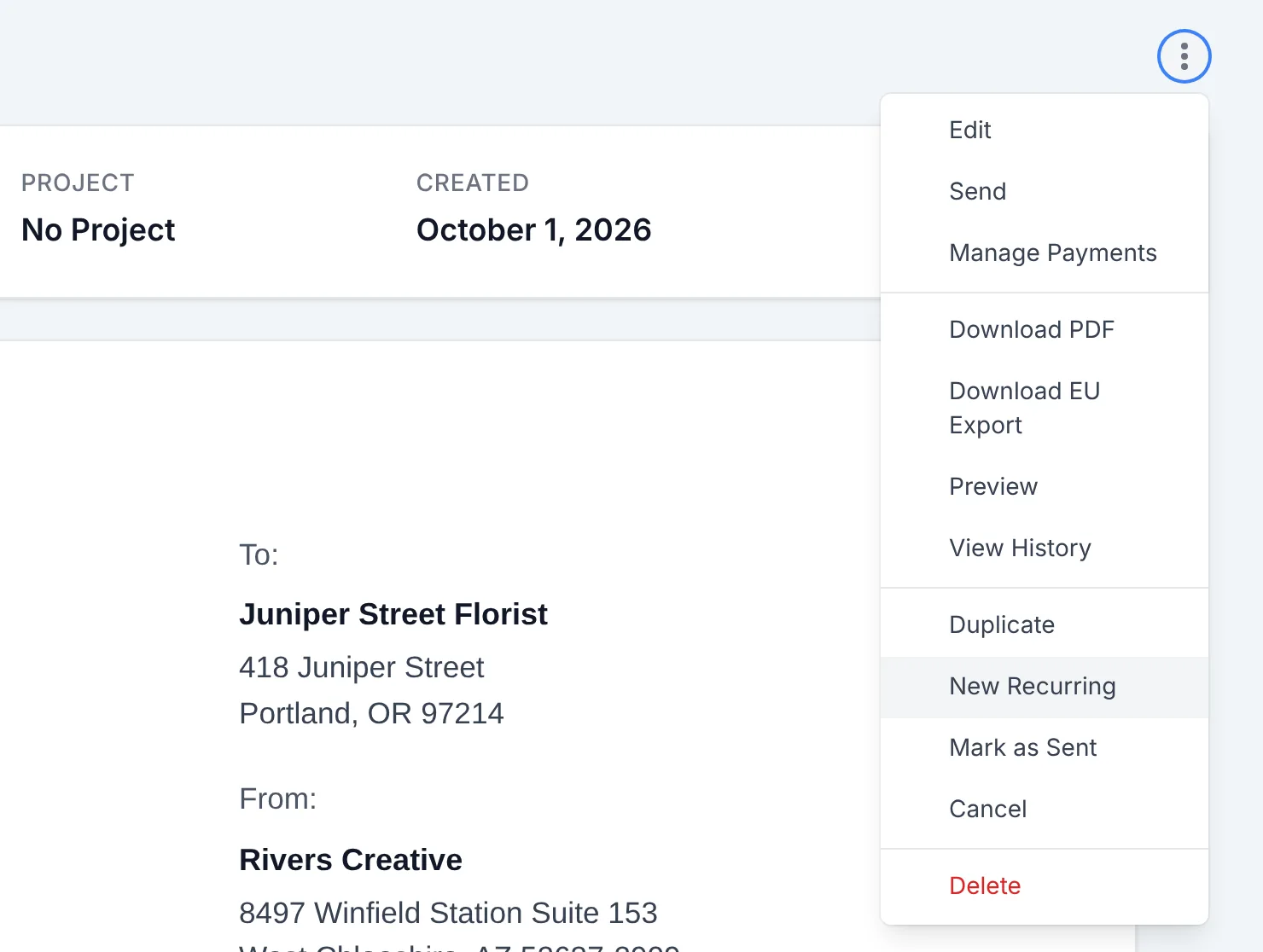
This opens the New Recurring Invoice form with the details of the original invoice already filled in, including the client, project, payment terms, subject, line items, notes and Customize options. Choose the Start Date, End Date (optional), Frequency and Delivery, make any other edits you'd like, and click Create Recurring Invoice.
Learn more about creating recurring invoices.
It's easy to create a new recurring invoice from any regular invoice that already exists in your account. Here's how it works:
In the "Actions" menu for any regular invoice you'll find a "New Recurring" option.
Selecting the "New Recurring" option will start the process of creating a new recurring invoice template, with all the details of the originating invoice pre-filled in the template.
The only thing left to do is to select the date range, frequency, and delivery method for your new recurring invoice template, make any additional edits you'd like, save the new template, and you're done!