
How do I archive a project?
Not sure which one you're using? The new interface has a dark sidebar and /app/ in the web address; the classic interface has a bright blue sidebar. You can switch at any time: in the new interface, click your name (top right) and choose Switch back to classic; in the classic interface, hover your avatar (bottom left) and choose Try the new Harpoon.
To archive a project, give it the Archived status. The quickest way is from the project's page:
- Open the project from your Projects page.
- Click the ⋮ menu at the top right and choose Archive.

- Click Archive to confirm.
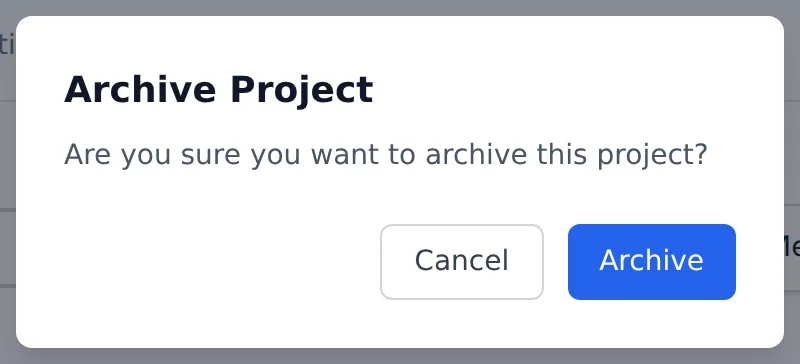
You can also click Edit Project, set Status to Archived, and click Update.
Archiving a project:
- removes it from the list on your Projects page,
- removes it from the project list on your timers,
- hides it from your Schedule unless you choose to show archived projects there.
To find archived projects, click the Archived box at the top of your Projects page, or choose Archived in the Status filter.
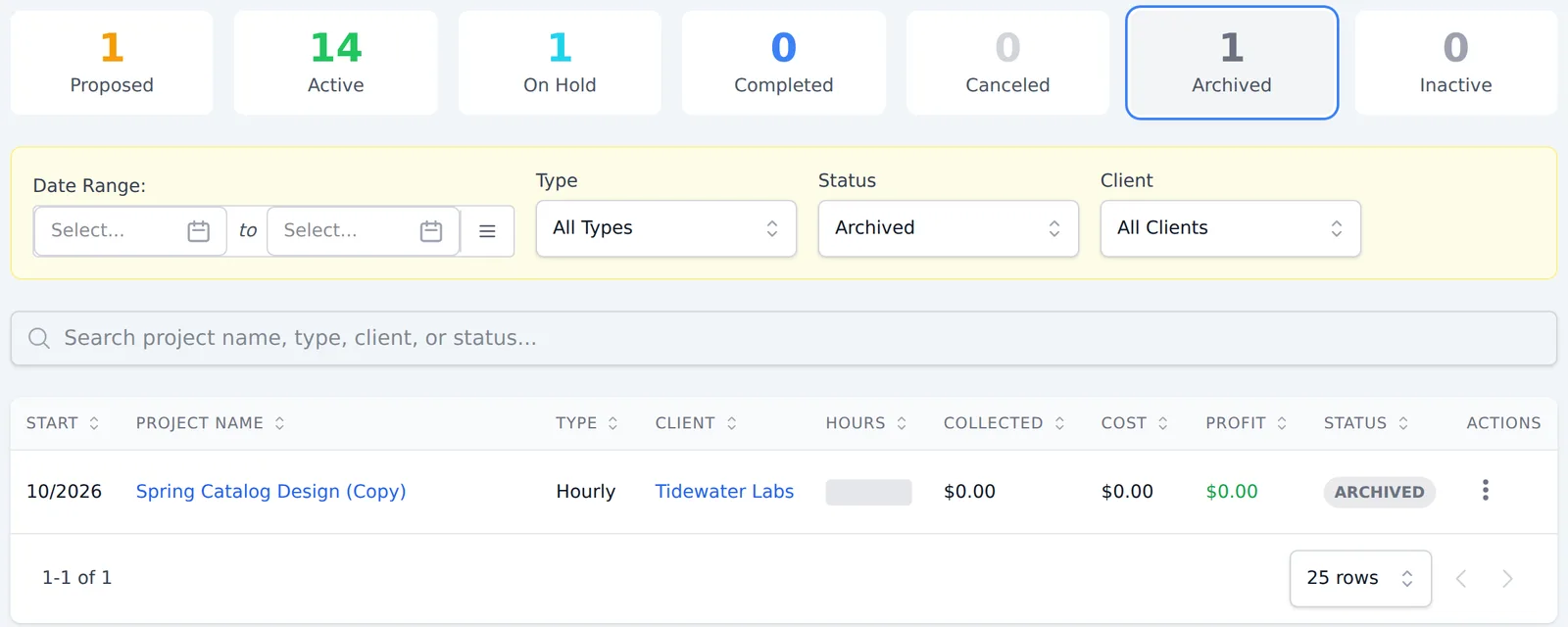
To bring a project back, open it, click the ⋮ menu and choose Unarchive. Its status changes back to Active.
Archiving doesn't change your financial numbers in Harpoon. It simply hides the project from day-to-day views to keep your account manageable.
You can archive a project in your Harpoon account by giving the project a status of "Archived." The status for a project can be changed whenever you create or edit a project using the project's "Status" menu.
The "Archived" status affects a project in the following ways:
- The project will be removed from the list of projects on your main Projects screen.
- The project will be removed as an option from your time-tracking Timers.
- The project will be removed from many of the "Project" menus throughout your Harpoon account.
Projects with the "Archived" status can still be accessed via the "Archived Projects" link at the bottom of your main Projects screen.
Note: Setting a project's status to "Archived" does NOT affect your overall financial metrics in Harpoon. It simply "hides" the project from multiple views to help keep your account more manageable.