
How do I include a flat fee discount on my invoice?
Not sure which one you're using? The new interface has a dark sidebar and /app/ in the web address; the classic interface has a bright blue sidebar. You can switch at any time: in the new interface, click your name (top right) and choose Switch back to classic; in the classic interface, hover your avatar (bottom left) and choose Try the new Harpoon.
The Discount field at the top of an invoice or estimate applies a percentage discount:
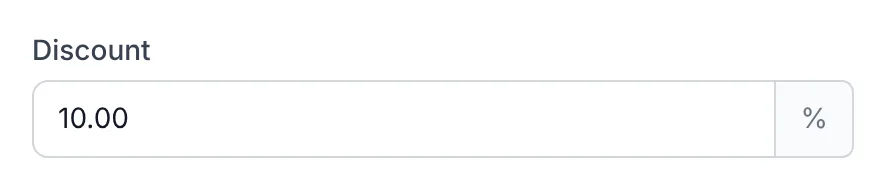
But sometimes it's easier to take off a flat amount instead of working out the right percentage. That's what line item discounts are for.
Add a line item, select Discount from the Item menu, and enter a negative amount as the Unit Price:
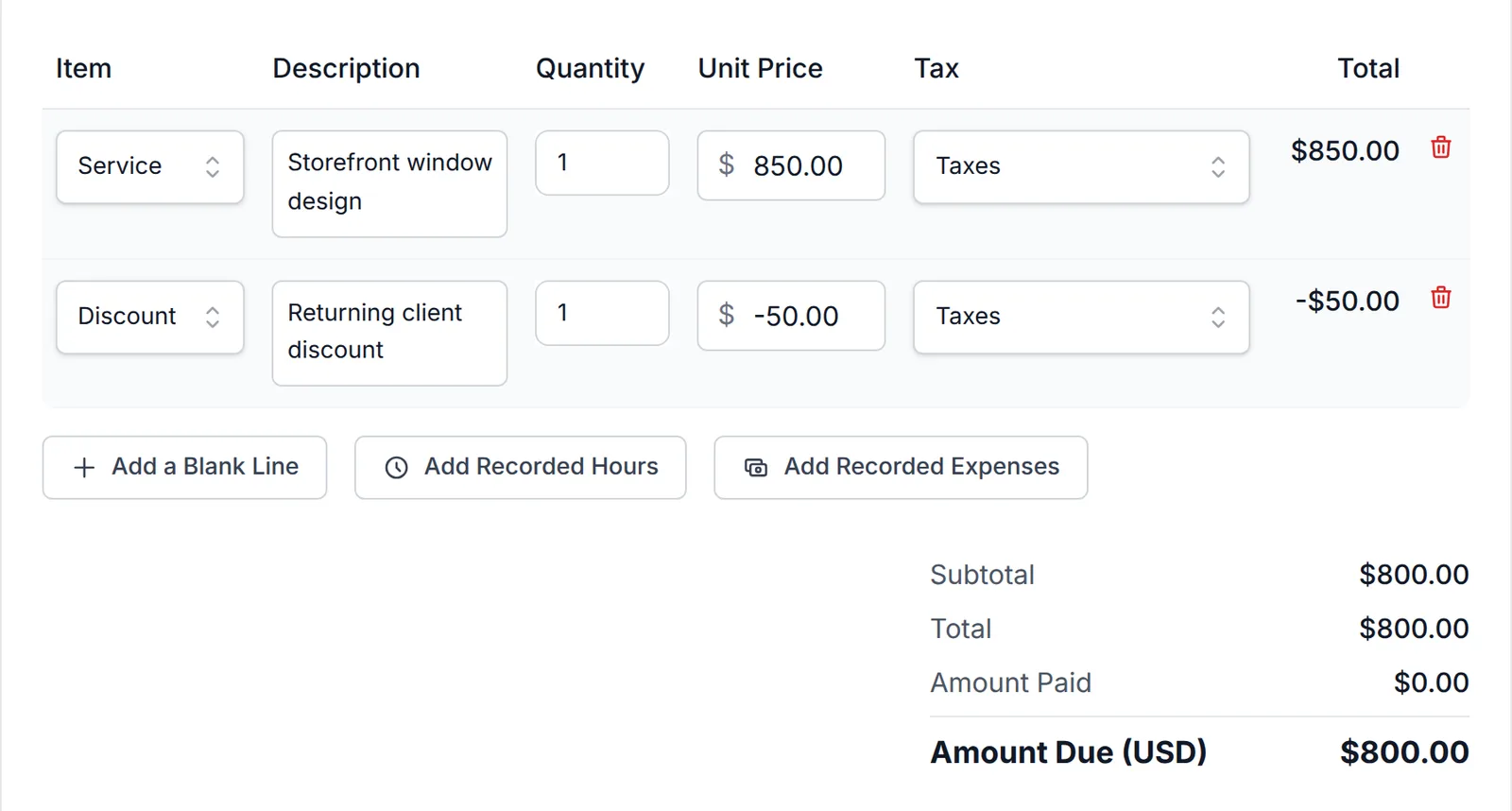
The negative amount is subtracted from your invoice or estimate subtotal. You can add more than one discount line to the same invoice or estimate if needed.
You’ve always had the option of applying a percentage-based discount on your invoices and estimates using the existing Discount field:
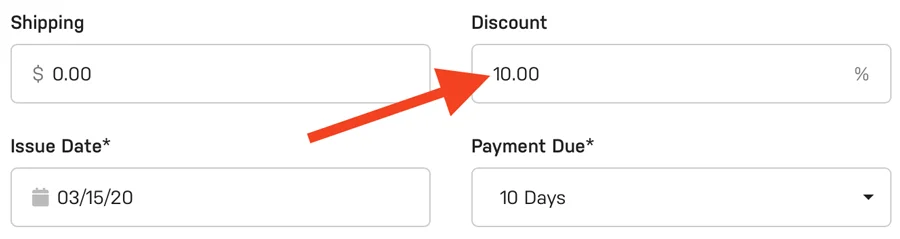
But sometimes it can be a hassle to calculate the correct percentage when what you're really after is a simple, flat fee discount amount.
Harpoon's line item discounts give you the ability to apply one or more flat fee discounts to your invoices and estimates.
When creating a line item simply select the “Discount” option from the Item menu and enter a negative flat fee amount for the Unit Price like so:

The negative flat fee amount of your line item discount is subtracted from the overall subtotal of your invoice or estimate.
You can even create multiple line item discounts for the same invoice or estimate if needed.