
Empty rows, clean layout, nothing to delete. Print it and write on it, or type into it and save the PDF.
Free. No signup. No watermark.
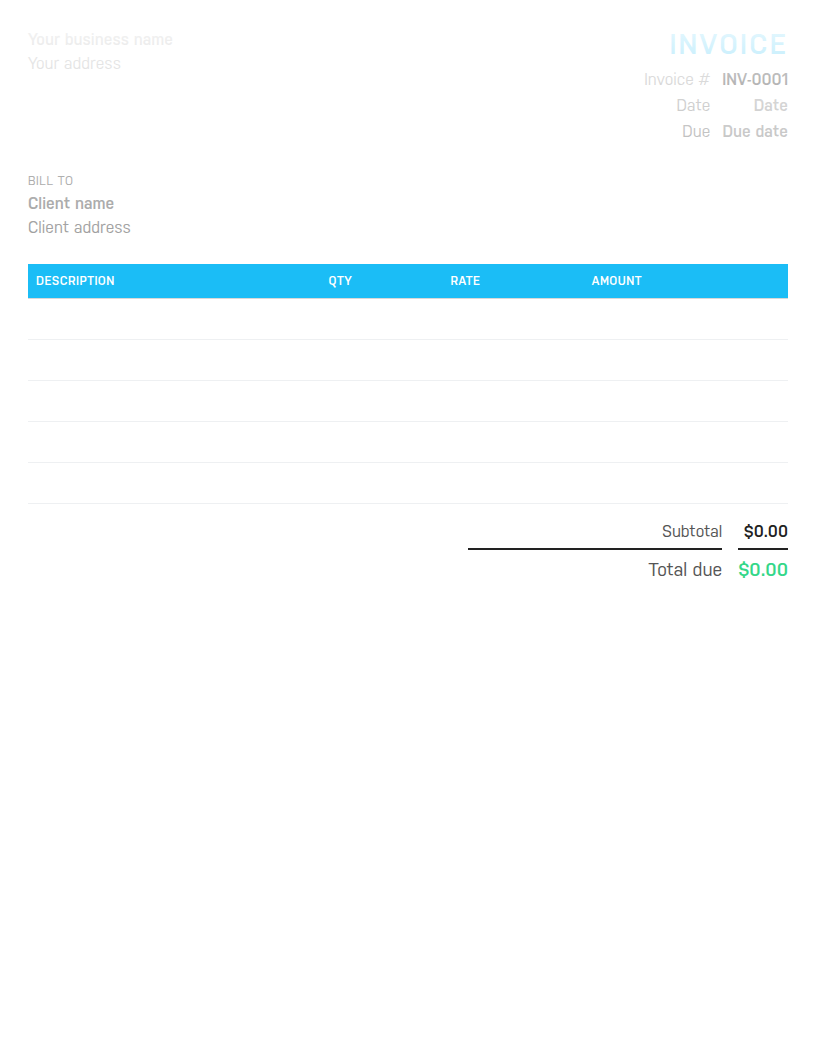
PDF to print and fill in by hand, Word to type into and edit, or Excel with formulas that total the invoice for you.
Free. No email address required. The files contain no macros.

A blank invoice cannot tell you who has paid, what is overdue, or how much you have billed this year. Harpoon does, on any device, and sends the reminders for you. Try it free for 14 days.
Sometimes you need an invoice now, on paper, with nothing pre-filled to delete. A trade job finished at a customer's house. A market stall. A one-off favour for a neighbour who insists on paying properly. A client who wants something they can sign. The blank invoice template is for those moments: the headings and boxes are in place, the five line rows are empty, and there are no sample entries or notes to clear out first.
It comes in three files. The PDF prints cleanly on plain paper for handwriting. The Word file is for typing into on a laptop, and you can change the wording or add a logo. The Excel file has formulas, so the amounts, subtotal, discount, tax and total add themselves up as you type. If you would rather not download anything, the builder on this page gives you the same blank layout in your browser and saves a PDF.
Whatever the format, an invoice needs the word Invoice on it, a unique number, the date, your name and contact details, the customer's name, a description of what was supplied, the amount for each item, any tax, the total, and how and when to pay. Some countries add requirements such as a tax registration number or a sequential numbering rule. If you are registered for sales tax or VAT, put the registration number in the notes and show the tax as its own line.
A handwritten invoice is a record as much as a request. Fill in two copies, or photograph the one you hand over before it leaves your hands. When it is paid, write paid and the date on your copy. At the end of the year those copies are your sales record, and the one thing a blank template cannot do is add them up for you.
If you would like sample lines to copy from, the invoice template has them. Freelancers billing hours and fixed fees should use the freelance invoice template. To make a single invoice in your browser with the totals calculated, use the free invoice generator. When a customer does not pay, our guide to getting a client to pay past-due invoices covers what to do next. Harpoon's invoicing keeps every invoice, payment and reminder in one place once you are ready.
Hours Calculator · Time Card Calculator · Time Clock Calculator · Timesheet Calculator · Yearly Revenue Goal Calculator · Invoice Generator · Invoice Template · All free tools
