
How do I import my historical revenue into Harpoon?
Not sure which one you're using? The new interface has a dark sidebar and /app/ in the web address; the classic interface has a bright blue sidebar. You can switch at any time: in the new interface, click your name (top right) and choose Switch back to classic; in the classic interface, hover your avatar (bottom left) and choose Try the new Harpoon.
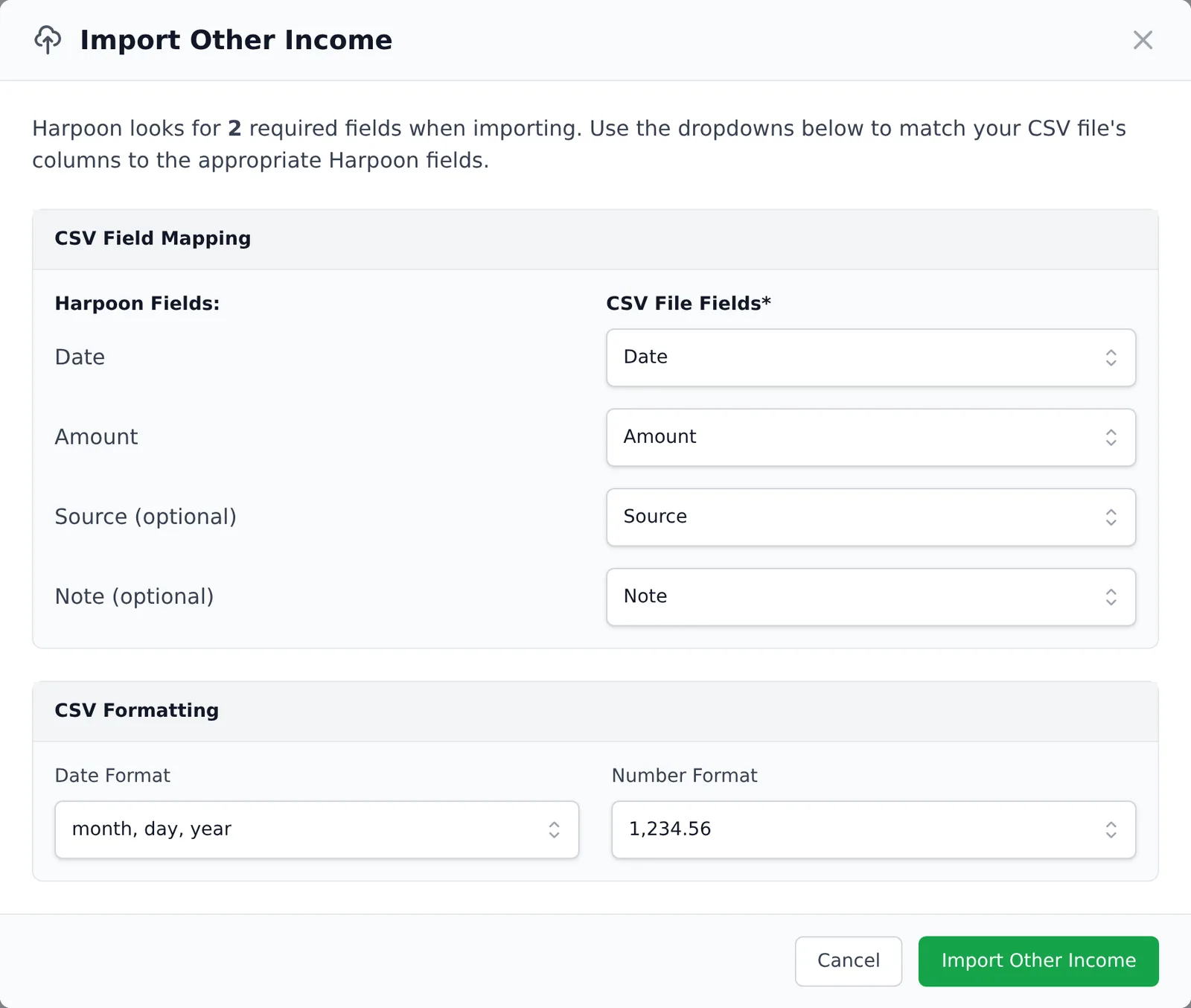
You can import your historical revenue into your Harpoon account by using the Other Income feature. Go to the Other Income screen (Invoices → Other Income in the left sidebar), click Import, and select a CSV file of your past revenue. Match your file’s columns to Harpoon’s Date and Amount fields (plus the optional Source and Note), check the Date Format and Number Format, and click Import Other Income.
Learn more about how this feature works by reading How do I track other non-invoice income in my account?
You can import your historical revenue into your Harpoon account by using the Other Income feature. Learn how this feature works by reading this article.