
How do I log in to my Harpoon account?
Not sure which one you're using? The new interface has a dark sidebar and /app/ in the web address; the classic interface has a bright blue sidebar. You can switch at any time: in the new interface, click your name (top right) and choose Switch back to classic; in the classic interface, hover your avatar (bottom left) and choose Try the new Harpoon.
After signing up for Harpoon you can always log back in to your account on the Login screen:
https://app.harpoonapp.com/login
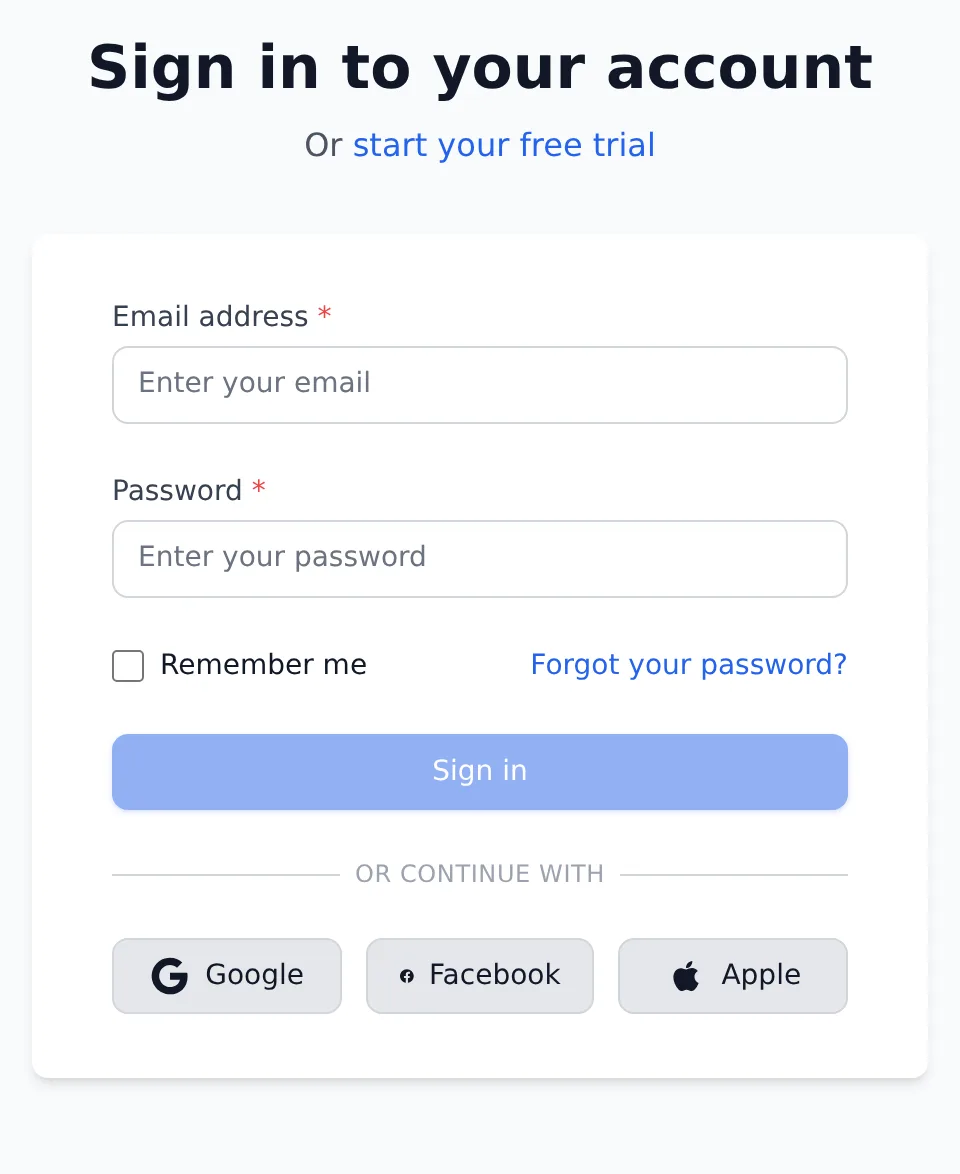
Enter the email and password you used when signing up, then click Log In. The Login screen also has buttons to continue with Facebook, Google or Apple. If you’ve forgotten your password, click Forgot your password? and follow the instructions.
After you log in, Harpoon opens the interface you used last. If you’ve switched to the new interface, you’ll land on your new Dashboard. If you were sent to the Login screen from a particular page, Harpoon takes you back to that page instead.
If you open a page in the new interface while you’re logged out (for example, from a bookmark), you’ll see the new interface’s Sign in to your account screen instead. It works the same way: enter your Email address and Password and click Sign in. Harpoon then takes you to the page you were trying to open.
After initially signing up for Harpoon you can always log back in to your account using the Login screen found here:
https://app.harpoonapp.com/login
Enter the email and password you used when signing up. If you’ve forgotten your password click on the forgotten password link and follow the instructions.